


Trusted by over 12,000 leading organizations










SimulTrans translates documents, software, websites, and videos into 100+ languages.
.jpg?width=1000&height=800&name=car-mechanic(1).jpg)
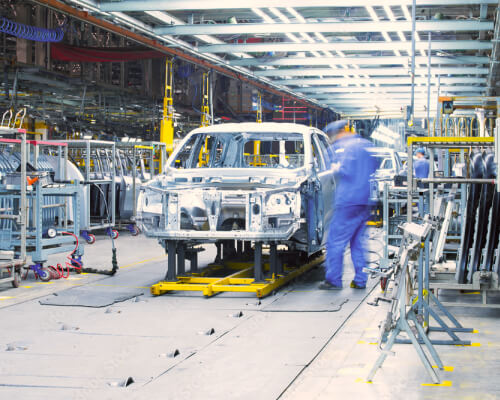
SimulTrans translates documents, software, websites, and videos into 100+ languages.
.jpg)

Your trusted translation and localization partner
120,000+
97%
12.8 years

Why SimulTrans?

.jpg?width=500&height=375&name=speed-image-mobile(1).jpg)
Speed
VitesseOur team is massive, global, and scalable, enabling us to accelerate project timelines and work across time zones.
At the same time, efficient processes help us minimize repeated translation work and ensure consistency across translators.

.jpg?width=500&height=375&name=people-image-mobile(1).jpg)
People
PersonasEach SimulTrans translator is a full-time linguist and a native speaker with at least five years’ experience. We assign projects based on subject matter to translators with expertise in complex fields.
Your project manager will coordinate every stage of your project, keep you updated, and ensure timely (and friendly!) delivery of work.

.jpg?width=500&height=375&name=technology-image-mobile(1).jpg)
Technology
テクノロジーWith connectors to your systems, translation memory to avoid repeat work, and a comprehensive client portal, we use technology to streamline — not replace — our human-powered services.
Machine translation is available on request and always post-edited by human translators.
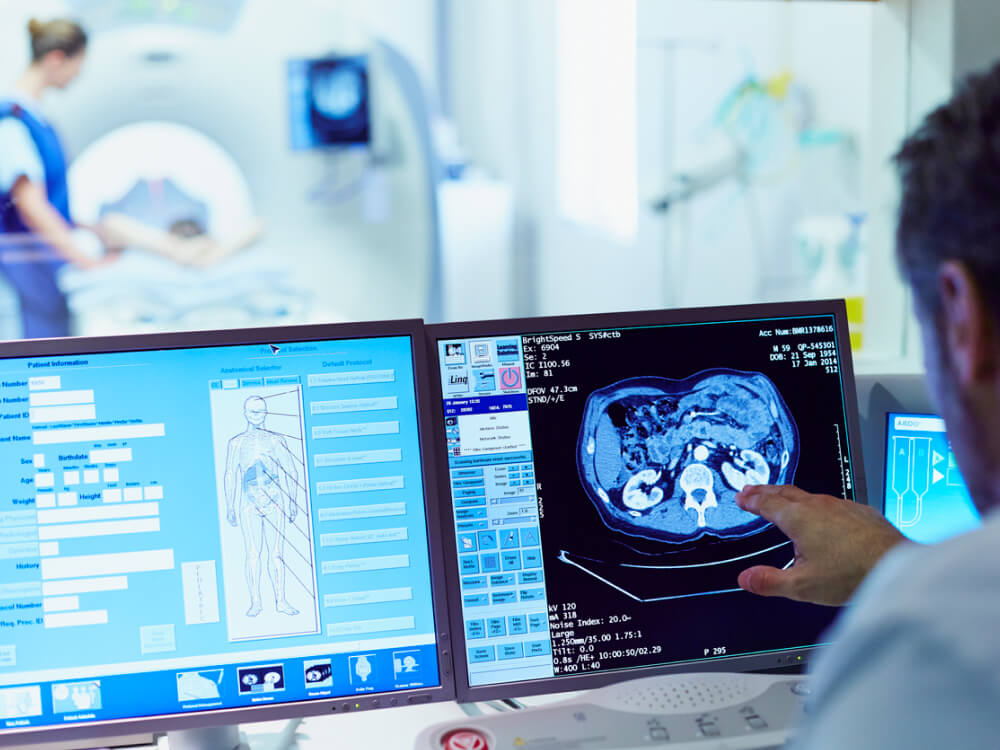
.jpg?width=500&height=375&name=quality-image-mobile(1).jpg)
Quality
QualitätWe take quality seriously. Our ISO-certified quality management systems are audited annually to ensure we’re always delivering work that fulfills your expectations.
Every SimulTrans translation undergoes rigorous quality assurance so you can expect consistently high-quality deliverables.
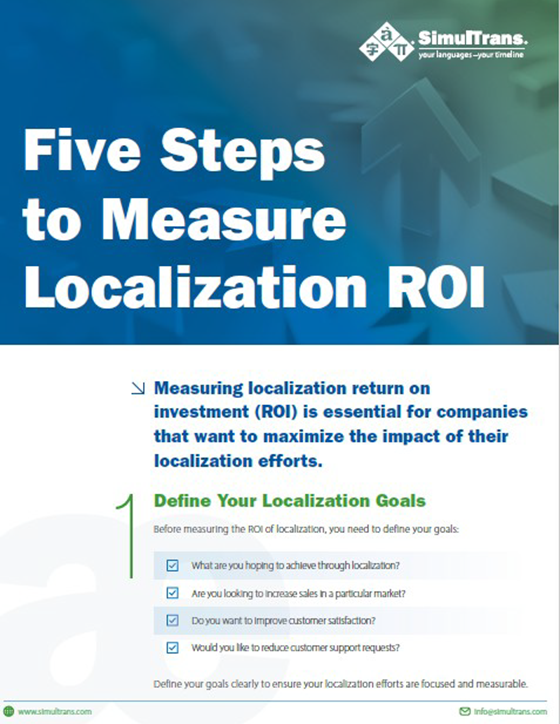
Five Steps to Measure Localization ROI

I’ve loved working w/ SimulTrans over the past few years. We absolutely value the relationship we have with SimulTrans and have appreciated partnering with you as we’ve grown our product globally…Overall, the SimulTrans segment of our l10n process is by far the smoothest and least worrisome.

Our SimulTrans project manager bends over backwards to support our constant stream of rush localization projects. This is critical to our success, and I greatly appreciate the wonderful support we receive. Overall, I’m delighted with the quality localization we receive from SimulTrans on schedules that are always too short.

You guys are awesome! I have worked with SimulTrans for years and it has truly been a pleasure. They are always timely with deliveries, professional (even during instances where we require incessantly exacerbating changes) and personable. I am so thankful that I get to work with this team.
